Google Business Profile for Contractors: Get Into the Map Pack
Step-by-step GBP optimization for contractors. Categories, photos, reviews, Google Posts, and the service area setup that gets you into the Map Pack.
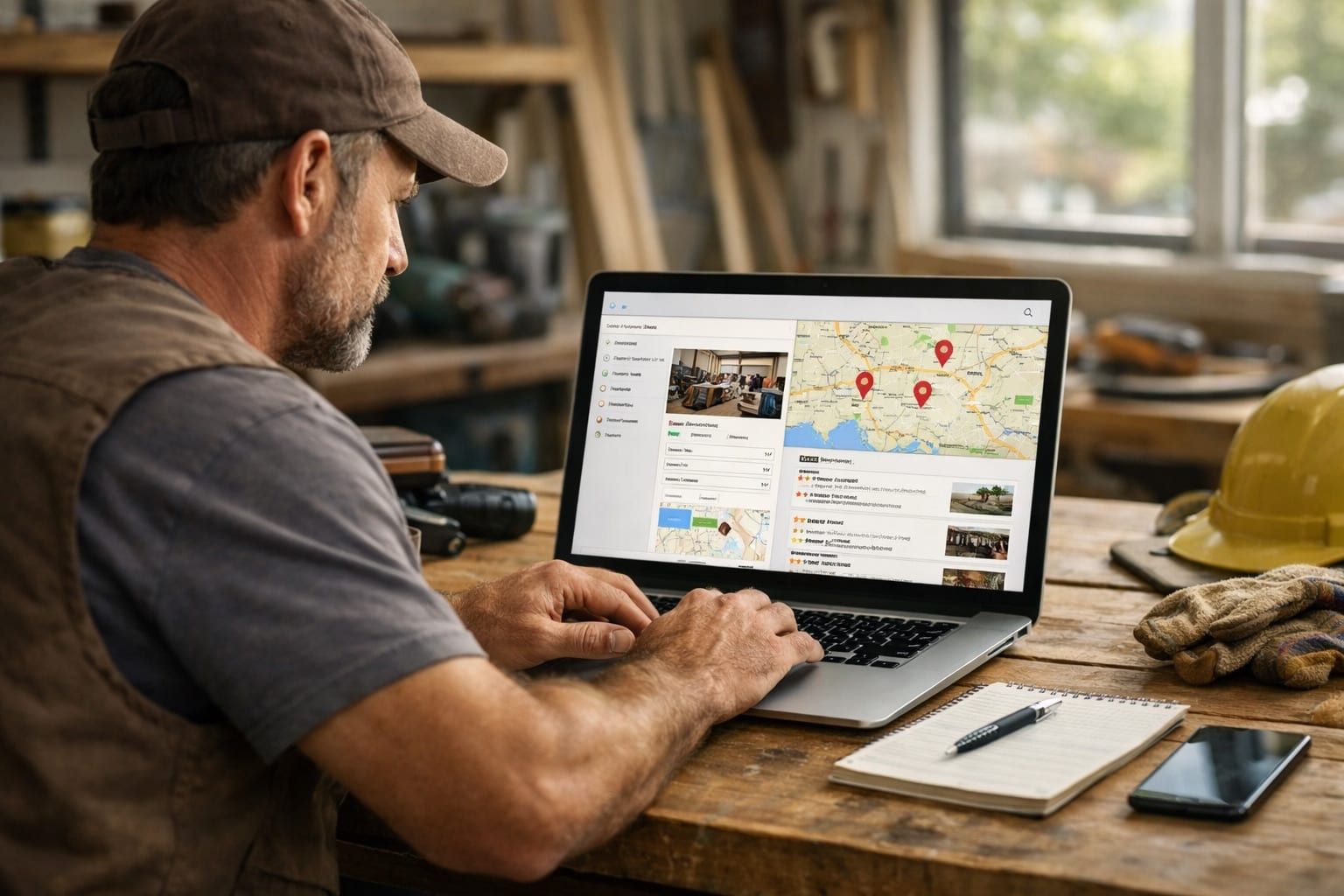
When someone searches "plumber near me" or "foundation repair Dallas," the first thing they see isn't a website. It's the Map Pack — those 3 business listings with the map, star ratings, and phone numbers at the top of Google. That's where 42% of all local clicks go. Not to ads. Not to organic results. To the Map Pack.
If you're not in those top 3 spots, you're invisible for nearly half of all local searches in your trade. And the difference between being #3 and #4 in the Map Pack is the difference between getting calls and getting nothing.
Your Google Business Profile (GBP) controls whether you show up there. Here's exactly how to set it up right.
Step 1: Claim and Verify (If You Haven't Already)
Go to business.google.com. Search for your business. If it exists but you haven't claimed it, claim it now. If it doesn't exist, create it.
Google will verify you own the business — usually through a phone call, text message, or video verification. This takes anywhere from a few hours to 2 weeks depending on the method.
If your profile has been claimed by a former employee, a previous SEO company, or someone you don't recognize, you'll need to go through Google's ownership transfer process. It's annoying but necessary. Don't skip this. An unclaimed or incorrectly claimed profile is a ticking time bomb — someone else could edit your info, change your phone number, or mark you as permanently closed.
Step 2: Get Your Categories Right
This is where most contractors mess up immediately. Your primary category is the single most important ranking factor for Map Pack placement. Get it wrong and everything else is an uphill battle.
Primary category: This should be the most specific description of your core service. Not "General Contractor" (too broad). Not "Home Improvement" (too vague). Here's what specific trades should use:
- Roofers: "Roofing Contractor"
- Plumbers: "Plumber"
- Electricians: "Electrician"
- HVAC: "HVAC Contractor"
- Foundation Repair: "Foundation Repair Service" or "Structural Engineer" (depending on licensing)
- Epoxy/Coatings: "Concrete Contractor" or "Flooring Contractor"
- Landscaping: "Landscaper"
- Painting: "Painter"
- Deck Building: "Deck Builder"
- Tree Service: "Tree Service"
Secondary categories: Add every relevant category. A plumber might add "Water Heater Installation Service," "Drain Cleaning Service," and "Septic System Service." A roofer might add "Gutter Cleaning Service" and "Siding Contractor." These secondary categories help you appear in more search types.
You can have 1 primary category and up to 9 secondary categories. Use all of them if they're legitimately relevant to your business. Don't add categories for services you don't offer — Google can and will penalize you.
Step 3: Complete Every Field (Yes, Every One)
Google's ranking algorithm favors complete profiles. An incomplete profile is a signal that the business isn't active or serious. Fill out everything:
- Business description: 750 characters max. Include your primary services, the areas you serve, and what makes you different. No keyword stuffing — just a clear, honest description.
- Services: Add every service you offer with descriptions and (optionally) pricing. Google uses this information to match your profile with relevant searches.
- Business hours: Accurate and up to date. If you offer emergency service, use the "More hours" feature to specify your emergency availability.
- Attributes: Veteran-owned? Women-owned? Offers financing? These attributes appear on your profile and help searchers filter results.
- Products (optional): Some contractors use the Products section to showcase specific offerings — like a coating company listing their different floor systems.
Step 4: Upload Photos Every Week
Not once. Not monthly. Weekly. Google tracks how frequently you add photos, and active profiles with fresh photos consistently outrank stale profiles.
Profiles with 100+ photos get 520% more calls than profiles with fewer than 5 photos. That's not a typo. Five hundred and twenty percent.
What to upload:
- Before-and-after project photos. This is your best content. Every job is content. Take photos at every job site.
- Team photos. Your crew on a job site. Your trucks in the morning. Your team in uniforms. Homeowners want to see who's showing up at their house.
- Equipment and process photos. A diamond grinder on a concrete floor. A roofing crew mid-tear-off. A sewer camera inspection. This shows you're real and you have the tools.
- Completed project photos. The finished product. The clean install. The shiny floor. The new roof from the curb.
- Office/shop photos. Your storefront, your warehouse, your shop. Proof you're a real, established business with a physical location.
Train your crew to take 3-5 photos at every single job. Before, during, and after. This gives you a steady stream of authentic content that keeps your profile active and builds trust with potential customers.
Step 5: Build a Review Machine
Reviews are the most visible trust signal on your GBP profile. They're also one of the top 3 ranking factors for Map Pack placement. A contractor with 200+ reviews and a 4.8 rating will consistently outrank a contractor with 35 reviews and a 4.9 rating. Volume matters as much as quality.
How to Ask for Reviews
Most contractors say "we ask but nobody leaves them." That's because the ask is wrong. Here's what works:
- Ask at the moment of maximum satisfaction. Not 2 weeks after the job. Not in a follow-up email a month later. Right when the customer is standing there looking at the finished product and saying "wow, this looks amazing." That's the moment.
- Make it frictionless. Send a direct link to your Google review page via text message. Not an email they'll ignore. A text with one link that opens Google Reviews with the star rating already visible. One tap to rate, type a few words, done.
- Use automation. Set up a system that sends a review request text 1-2 hours after the job is marked complete. CRM tools and review management platforms handle this automatically. You should not be manually texting every customer.
- Ask personally, then automate. The verbal ask in person followed by the text message link 2 hours later is the highest-converting combo. The personal touch starts it. The automated link closes it.
How to Handle Negative Reviews
You'll get them. Every contractor does. Don't panic. Don't respond angrily. Respond professionally, offer to resolve the issue offline, and move on. One 1-star review buried in 200 5-star reviews doesn't hurt you. A pattern of bad reviews does, and the fix for that isn't marketing — it's operations.
For a deeper dive on review strategy, see our Google reviews guide for contractors.
Step 6: Post on Google Weekly
Google Posts are the least-used and most-underrated feature on GBP. They're short updates (150-300 words) that appear on your profile. Think of them as micro-blog posts that signal to Google that your business is active.
What to post:
- Project completions. "Just finished a 3-car garage floor coating in [City]. Full-flake polyaspartic system with 15-year warranty. Here's the result." Attach a photo.
- Seasonal offers. "Booking spring roof inspections for [City] homeowners. Free inspection with any repair estimate."
- Tips and value. "3 signs your foundation needs attention before winter." Short, helpful, positions you as the expert.
- Behind-the-scenes. "Our team at 6 AM gearing up for a full-day install in [City]." Humanizes your brand.
Post weekly. It takes 5 minutes. The posts expire after 7 days, so consistency matters. Set a recurring reminder to post every Monday or have your office manager handle it.
Step 7: Set Up Q&A (Before Someone Else Does)
The Q&A section on your GBP is public. Anyone can ask a question, and anyone can answer it. If you don't populate it yourself, you leave it open for competitors or random people to post inaccurate information.
Pre-populate your Q&A with 10-15 common questions and answer them yourself:
- "Do you offer free estimates?" — Yes, we provide free on-site estimates for [services].
- "What areas do you serve?" — We serve [city list].
- "Are you licensed and insured?" — Yes, [license details].
- "Do you offer financing?" — [Answer honestly].
- "How soon can you start a project?" — Typical lead time is [timeframe].
This also helps with search relevance. Google reads Q&A content when deciding which profiles to show for specific searches.
Step 8: Nail Your Service Area Setup
If you're a service-area business (you go to the customer, not the other way around), your service area settings directly affect where Google shows your listing.
Key rules:
- Don't set your service area too wide. If you serve a 30-mile radius from your location, setting your service area to the entire state dilutes your relevance for local searches. Be specific.
- Use city names, not zip codes. Google understands cities better than zip codes for local ranking purposes.
- Hide your address if you work from home. If you don't have a commercial office, hide your address. Google allows service-area businesses to show their service area without displaying a physical address. Showing a residential address looks unprofessional and can create security concerns.
- Update service areas if you expand. Added a new city to your coverage? Update your GBP service area. But do it gradually — adding 20 new cities overnight can trigger a Google review of your listing.
The Map Pack Formula
Getting into the Map Pack isn't one big thing. It's a bunch of small things done consistently:
- Right primary category (done once)
- Complete profile (done once, updated quarterly)
- Fresh photos (weekly)
- New reviews (ongoing, 5-10/month minimum)
- Google Posts (weekly)
- Active Q&A (populated once, monitored monthly)
- Accurate service area (reviewed quarterly)
The contractors in the Map Pack aren't there because they hired an SEO wizard. They're there because they did these basics consistently for 6-12 months while their competitors ignored their profiles.
Your Google Business Profile works hand-in-hand with your website. A strong GBP with a weak website won't convert. A strong website with a weak GBP won't rank in the Map Pack. You need both. If your website needs work, start with the 5 fixes that actually generate leads.
Start Getting Map Pack Leads This Month
You can implement most of these steps yourself. The categories, the photos, the review strategy — all of that is within your control. What most contractors lack is the time to do it consistently and the technical knowledge to optimize it fully.
Fill out the 2-minute application and we'll audit your Google Business Profile, tell you exactly where you stand vs. your top 3 local competitors, and show you what it takes to get into the Map Pack in your market. It might be 60 days of work. It might be 6 months. Either way, you'll know exactly what it takes.